# Use renderers with Presenter
_Renderers_ are easy to embed in _Presenter_ components. The reason we often do this is to share formatting and styling across grids, tickets and other parts of the application. Before reading this section you should probably be familiar with the [Presenter library](../presenter/index.md).
## Starting point
Here’s a text label that has an unformatted price in it
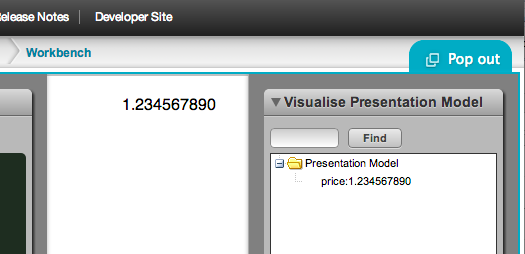
It’s generated from the following presentation model:
```js
caplin.namespace("app.bladeSet.blade.examplePresentationModel");
app.bladeSet.blade.examplePresentationModel = function()
{
this.price = new caplin.presenter.property.Property("1.234567890");
//this data would usually come from a streaming server
};
caplin.extend(app.bladeSet.blade.examplePresentationModel
, caplin.presenter.PresentationModel);
```
and this HTML template:
```html
```
## Create a renderer
We’ll create a simple _Renderer_ that just formats the price to 4 decimal places. _Presenter_ has the ability to use fomatters, but in practice you may have much more complicated _Renderers_ to make it worthwhile embedding a renderer.
```xml
```
## Get presenter to use the new Renderer
Update the HTML template to reference the Renderer type in its `data-bind` attribute:
```html
```
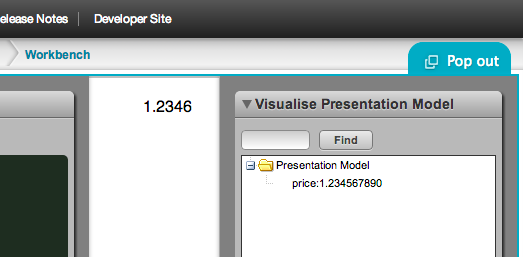
Once you refresh the page, you should now see the formatted value: