# Use renderers with Presenter
Renderers are easy to embed in Presenter components. Renderers make it easy to share formatting and styling across components and are optimised for fast-moving financial data.
Before reading this section you should probably be familiar with the [Presenter library](../presenter/index.md).
## Starting point
Here’s a text label that has an unformatted price in it
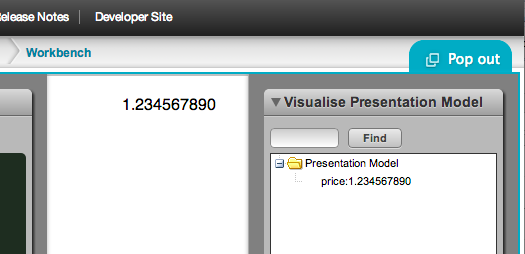
It’s generated from the following presentation model:
```js
caplin.namespace("app.bladeSet.blade.examplePresentationModel");
app.bladeSet.blade.examplePresentationModel = function()
{
this.price = new caplin.presenter.property.Property("1.234567890");
//this data would usually come from a streaming server
};
caplin.extend(app.bladeSet.blade.examplePresentationModel
, caplin.presenter.PresentationModel);
```
and this HTML template:
```html
```
## Create a renderer
We’ll create a simple _Renderer_ that just formats the price to 4 decimal places. _Presenter_ has the ability to use fomatters, but in practice you may have much more complicated _Renderers_ to make it worthwhile embedding a renderer.
```xml
```
## Get presenter to use the new Renderer
Update the HTML template to reference the Renderer type in its `data-bind` attribute:
```html
```
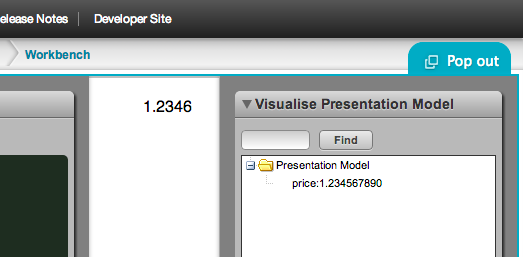
Once you refresh the page, you should now see the formatted value: